The Silkland 54Gbps 16K DisplayPort Cable 2.1 review is most relevant to PC users who need a longer connection for a high-refresh display or a multi-monitor setup.
Its 10-foot length, braided construction, and support for a wide range of DisplayPort generations make it a flexible option, though the source and display still determine which resolution and refresh rate you can use.
Silkland DisplayPort Cable Review Summary
The quick verdict
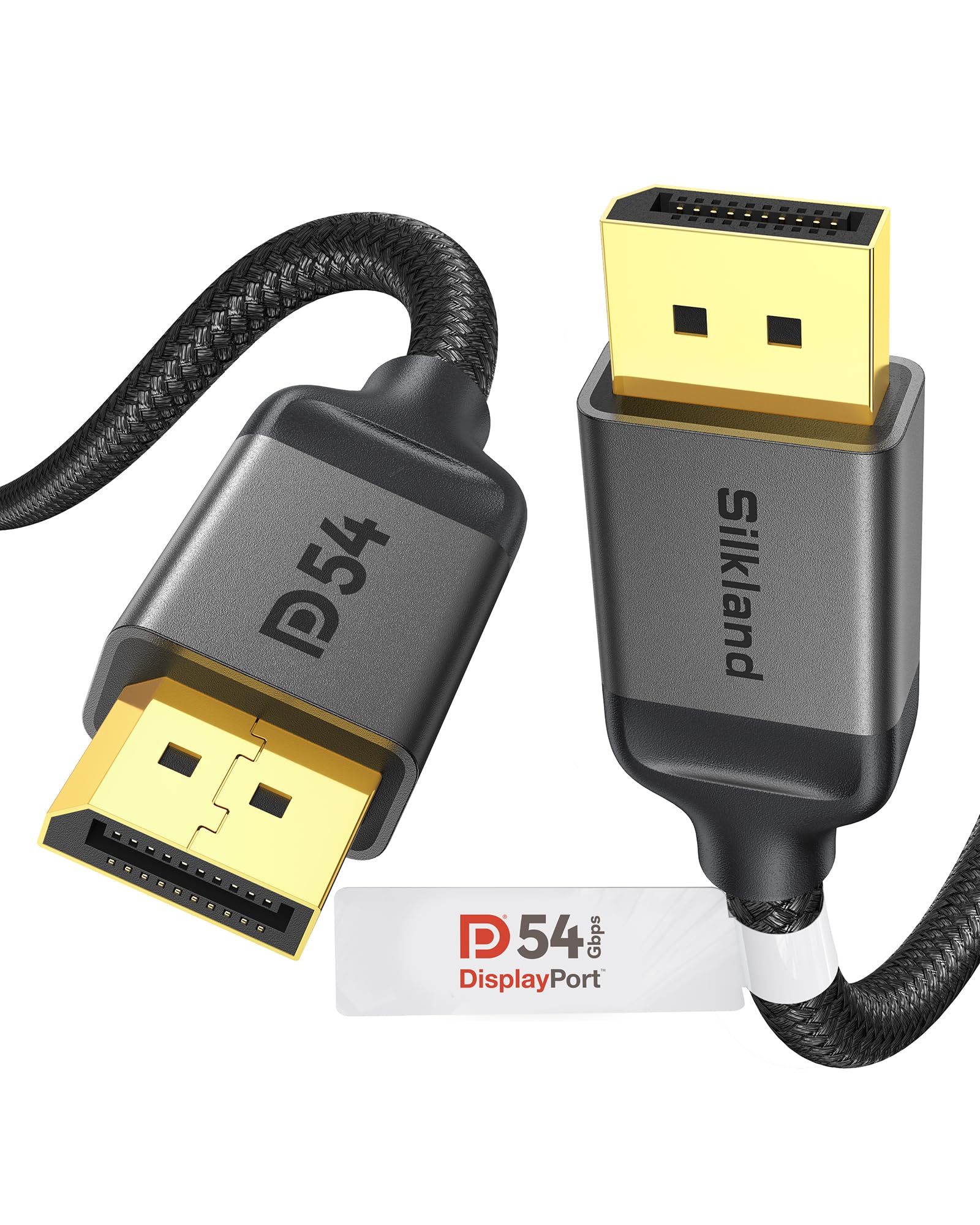
7,000+ ratings
Read Amazon ReviewsSilkland 54Gbps DisplayPort Cable
A 10-foot DisplayPort cable for gamers and multi-monitor users who want broad refresh-rate support and flexible placement.
- 10-foot male-to-male DisplayPort cable with DisplayPort 2.1/2.0 connectivity.
- Stated 54Gbps bandwidth, with support up to 16K at 60Hz using DSC, 8K at 120Hz, and 4K at up to 240Hz.
- Supports Dynamic HDR, DSC 1.2a, HDCP 2.2, and 3D stereo imaging.
- Backward compatible with DisplayPort 2.0, 1.4, 1.3, 1.2, 1.2a, 1.1, and 1.0.

Pros
- Long 10-foot reach gives more freedom to position a desktop or monitor.
- Wide range of listed resolution and refresh-rate modes, including high-refresh 4K support.
Consider before buying
- The highest listed resolution and refresh modes depend on the capabilities of both connected devices and may require DSC.
- A 10-foot cable can leave extra slack on a compact desk; measure the route and space for cable management.
Read the full review summary
This cable combines a 10-foot reach with DisplayPort 2.1 compatibility, a stated bandwidth of 54Gbps, and support for resolutions and refresh rates that include up to 16K at 60Hz with DSC, 8K at 120Hz, and 4K at 240Hz.
It also supports HDR, DSC 1.2a, HDCP 2.2, multi-stream transport, and uncompressed multichannel audio pass-through. Those capabilities make it worth considering for a gaming or workstation setup where a short lead would constrain monitor placement.
The useful question is whether your graphics card and display can take advantage of the cable’s supported modes. The cable connects DisplayPort-enabled computers and monitors, and its backward compatibility can help when devices use earlier DisplayPort versions.
Its flexible, no-latch connector design may appeal when access is tight, while triple shielding and a nylon braid suit buyers who want a more protected cable exterior.
The published maximums should be treated as format support, not a guarantee that every combination of equipment will run at the highest mode.
The buying factors
Silkland DisplayPort Cable Scorecard
Editorial scores reflect listed features and buyer fit; they are not laboratory measurements or customer ratings.
Resolution and refresh-rate range
A broad range is listed, including up to 16K at 60Hz with DSC and 4K at 240Hz; the result depends on compatible source and display hardware.
DisplayPort compatibility
It supports DisplayPort 2.1 and lists backward compatibility through older DisplayPort generations, making it adaptable to mixed-age setups.
Gaming and variable refresh support
The data lists G-Sync, FreeSync, Adaptive-Sync, HDR, and multi-stream support for gaming and multi-display use.
Cable reach
At 10 feet, it allows more placement flexibility than a short desk cable, though buyers should measure their route before choosing.
Build and handling
A nylon braid, triple shielding, tinned-copper conductors, and a no-latch connector are practical design features for regular setup changes.
Setup certainty
The listed maximum modes are useful, but actual operation depends on the computer, monitor, and selected display settings.
Key Features and Specifications of Silkland DisplayPort Cable
- 10-foot male-to-male DisplayPort cable with DisplayPort 2.1/2.0 connectivity.
- Stated 54Gbps bandwidth, with support up to 16K at 60Hz using DSC, 8K at 120Hz, and 4K at up to 240Hz.
- Supports Dynamic HDR, DSC 1.2a, HDCP 2.2, and 3D stereo imaging.
- Backward compatible with DisplayPort 2.0, 1.4, 1.3, 1.2, 1.2a, 1.1, and 1.0.
- Supports G-Sync, FreeSync, Adaptive-Sync, and multi-stream transport for compatible setups.
- Braided exterior, triple shielding, tinned-copper conductors, gold-plated connectors, and a no-latch plug design.
Pros and Cons of Silkland DisplayPort Cable
Pros
- Long 10-foot reach gives more freedom to position a desktop or monitor.
- Wide range of listed resolution and refresh-rate modes, including high-refresh 4K support.
- Backward compatibility supports use with older DisplayPort equipment.
- Braided construction and a no-latch connector are practical for frequent plugging and unplugging or confined spaces.
Consider before buying
- The highest listed resolution and refresh modes depend on the capabilities of both connected devices and may require DSC.
- A 10-foot cable can leave extra slack on a compact desk; measure the route and space for cable management.
- It is DisplayPort to DisplayPort, so it will not directly connect to a device that only offers another connector type.
Who Should Buy Silkland DisplayPort Cable?
Good fit
Consider the Silkland DisplayPort Cable if your computer and monitor both have DisplayPort ports and you need extra distance between them.
Its 10-foot length can simplify placement when a tower sits under or beside the desk, or when a monitor is mounted farther away.
The no-latch connector is also a useful detail for installations where a release catch would be awkward to reach.
It is a sensible fit for gaming or multi-screen setups when you want a cable that supports features such as Adaptive-Sync, HDR, and multi-stream transport.
Before buying, check your GPU and monitor specifications for the exact resolution, refresh rate, and compression mode you plan to use. That check matters more than the cable’s maximum figures alone.
The cable may also suit a mixed-generation setup because it lists compatibility with several earlier DisplayPort versions.
If your system is already working at a particular mode, confirm that the chosen ports and settings support it before expecting a change from a new cable.
Who should skip it
Skip this option if either device lacks a DisplayPort port and you need a direct connection without an adapter. Also consider a shorter cable if your devices sit close together and extra length would make routing harder.
If you are buying specifically to reach one of the highest listed display modes, first confirm that both the graphics card and monitor support that mode and any required DSC setting. The cable alone cannot establish that capability.
How the Silkland DisplayPort Cable fits a high-refresh setup
Making sense of the resolution claims
The range from 4K high-refresh modes through 8K and up to 16K with DSC gives this cable broad format support. Those figures describe possible configurations, not a universal output from every PC.
Check the specifications for both connected devices and whether the target mode relies on Display Stream Compression before treating a maximum as achievable in your setup.
A useful length for desktop placement
Ten feet can help when the computer and monitor are separated by a desk, stand, or room layout.
It can also create more slack than a close-together arrangement needs, so measuring the path—including how the cable must bend around furniture—helps avoid excess cable gathering behind the display.
Compatibility across DisplayPort generations
The listed backward compatibility with DisplayPort versions down to 1.0 makes the cable potentially useful across newer and older equipment.
The connection can still be limited by the older device or port, so choose display settings based on the capabilities of the complete chain rather than assuming the newer cable changes what the hardware can output.
Construction and connector handling
The nylon braid, triple shielding, and tinned-copper conductors point to a cable designed for a more protected exterior and interference resistance.
The no-latch plug avoids a release mechanism, while its groove is intended to make removal easier in a cramped space.
These details matter most if you move equipment or regularly swap the cable; they do not replace checking the route and connector access in your own setup.
Alternatives to Silkland DisplayPort Cable
One alternative is included because it offers a distinct bandwidth and length choice for the same DisplayPort connection need.
Computer DisplayPort Cables alternative
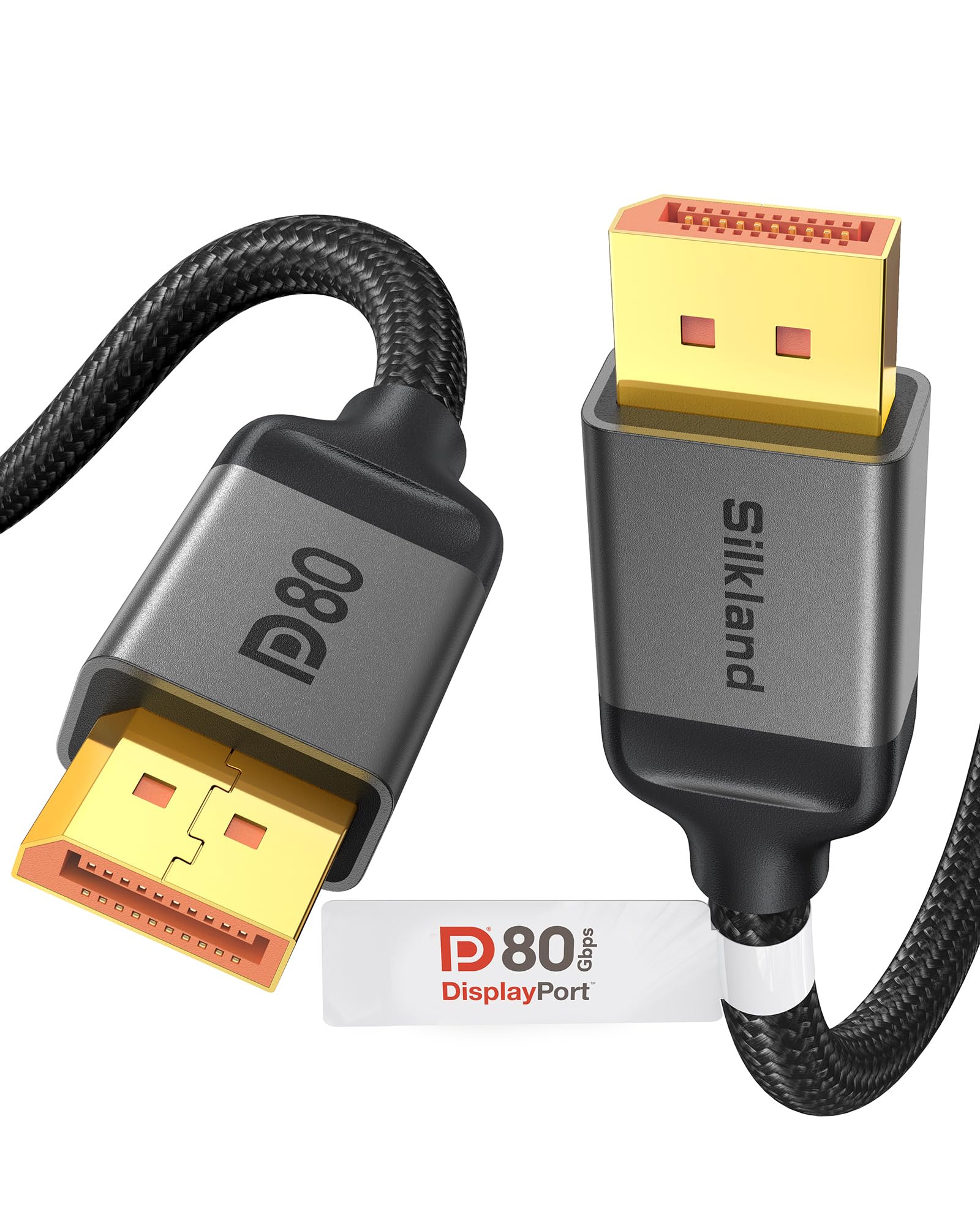
2,000+ ratings
Read Amazon ReviewsSilkland 80Gbps DisplayPort 2.1 Cable
Choose the 54Gbps cable when you need a longer run and its listed modes suit your equipment.
Consider the 80Gbps model for a short connection where its higher listed bandwidth and refresh-rate support match the capabilities of both devices.
- This 1.6-foot DP80 cable lists 80Gbps bandwidth, uncompressed support for 4K at 240Hz and 8K at 60Hz, and DSC-enabled support up to 4K at 540Hz and 8K at 240Hz.
- It is VESA certified and lists UHBR20 compatibility.
- The 54Gbps model is 10 feet long and lists support up to 4K at 240Hz, with higher-resolution support including 16K at 60Hz using DSC.
Is Silkland DisplayPort Cable Worth It?
The Silkland 54Gbps DisplayPort Cable is worth considering if you need a 10-foot DisplayPort connection with broad resolution, refresh-rate, and compatibility support.
Its braided exterior and no-latch design add practical touches for a cable that may be moved or routed through a tight space.
Buy it when the length and supported modes line up with your setup, after checking the ports and display capabilities on both ends.
If the cable will be used across a short gap and you want more bandwidth headroom, compare the shorter 80Gbps option; for any setup, the connected hardware remains the deciding factor for actual display output.
Your review at a glance
7,000+ ratings
Read Amazon ReviewsSilkland 54Gbps DisplayPort Cable
A 10-foot DisplayPort cable for gamers and multi-monitor users who want broad refresh-rate support and flexible placement.
- 10-foot male-to-male DisplayPort cable with DisplayPort 2.1/2.0 connectivity.
- Stated 54Gbps bandwidth, with support up to 16K at 60Hz using DSC, 8K at 120Hz, and 4K at up to 240Hz.
- Supports Dynamic HDR, DSC 1.2a, HDCP 2.2, and 3D stereo imaging.
- Backward compatible with DisplayPort 2.0, 1.4, 1.3, 1.2, 1.2a, 1.1, and 1.0.